Photography
Booking.com Property Photos: Specs, Order and Shot List
How to shoot and upload Booking.com property photos, plus Expedia and Agoda gallery rules: cover image, room-by-room coverage, sizes and what to leave out.
By Tamara8 min read
Booking.com property photos decide whether a traveller opens your page or scrolls past to the next listing. The platform tells you what to shoot: at least 10 photos, at least four per room and one bathroom, landscape only, minimum 2048 x 1080 pixels. This guide turns the official rules from Booking.com, Expedia and Agoda into one shoot you can plan and one gallery you can order.
What do OTA photo guidelines actually say?
OTA stands for online travel agency: Booking.com, Expedia, Agoda and their relatives. Each publishes photo guidance for partners, and they overlap more than they differ.
Here is how the three compare at the time of writing (October 2026). Check your own extranet before uploading, because specs get updated.
| Booking.com | Expedia Group | Agoda | |
|---|---|---|---|
| Orientation | Landscape only | Horizontal best, vertical accepted but not recommended | Landscape |
| Resolution | At least 2048 x 1080 px, 4000 x 3000 px preferred | At least 2,880 px on the longest side; under 1,000 px rejected | Minimum 800 x 600 px |
| Quantity | At least 10 photos, 4 per room plus a bathroom | 4 per room type (one bathroom), 1 exterior, 1 entrance or lobby, 1 per key amenity | Minimum 24 property photos, 4 per room type |
Sources: Booking.com, Expedia Group photo guidelines (a 2018 document, so treat the numbers as a guide) and the Agoda Content Score guideline.
The sensible approach is to shoot to the strictest column. Aim for 24 or more property photos at 4000 pixels or wider, and every platform is covered.
How do you shoot Booking.com property photos?
Booking.com's page is unusually practical. A few rules worth pinning to the wall:
- Use a digital camera or a good smartphone, set to the highest resolution.
- Shoot landscape images only.
- Take pictures from a height of 3 to 5 feet (roughly a metre to 1.5 metres), and shoot from room corners to add depth.
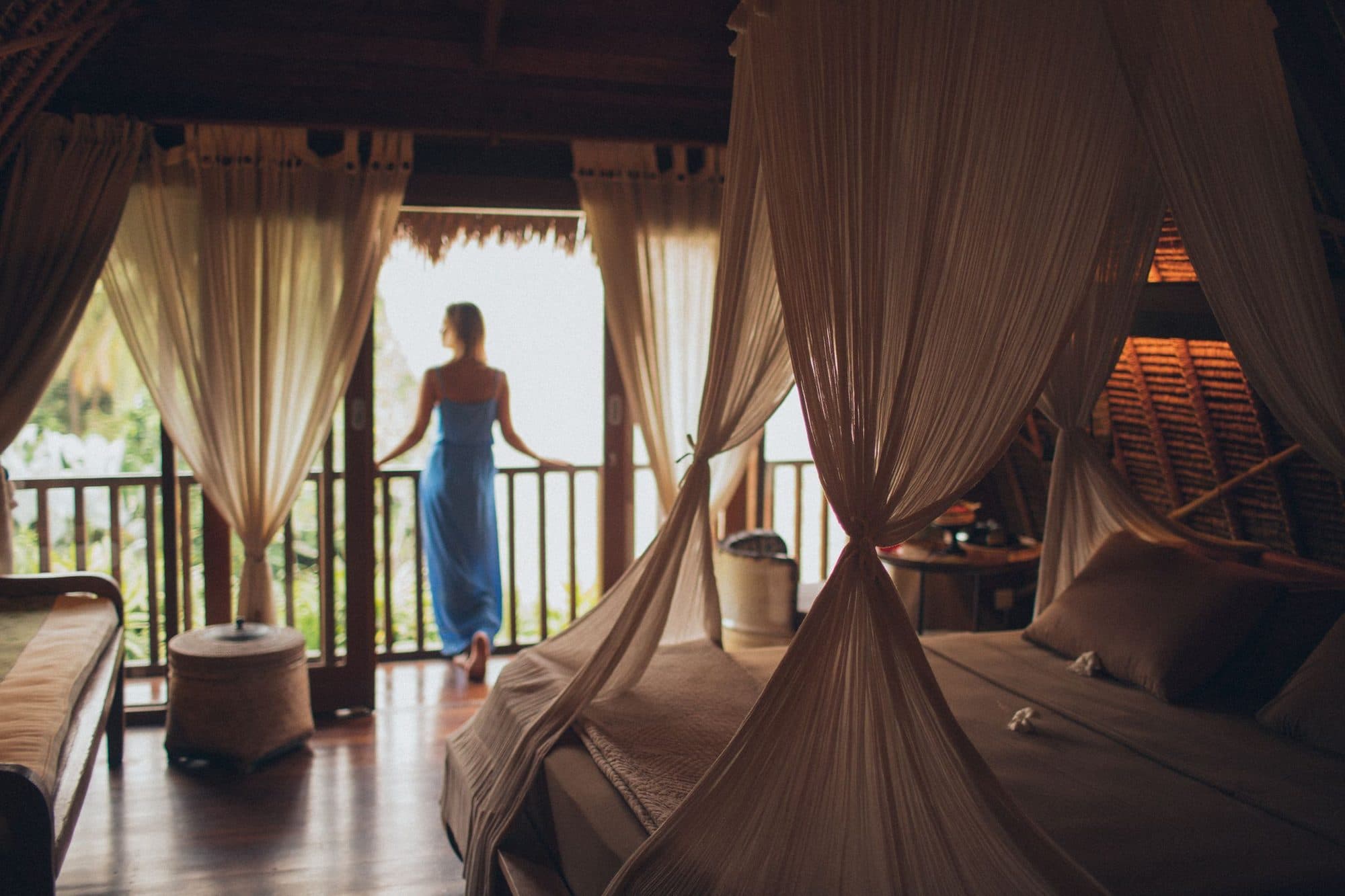
- Prepare the room first: curtains open so the view shows, lamps on, beds freshly made, surfaces tidy, no laundry, no visible wires or cables.
- In bathrooms: lights on, clean mirrors, spotless shower, lids closed, no bins or toilet paper in shot.
None of that is glamorous, and all of it matters. A creased bedspread photographed at 4000 pixels is simply a larger creased bedspread.
What should you avoid?
Booking.com lists things that make a gallery look worse: grainy or pixelated images, over-processing, strong filters, over-saturation, excessive HDR, collages, watermarks, tilted or distorted shots, black and white, and extreme wide-angle or fisheye. It also advises against pictures of road signs and parked cars, and against portraits or photos where people are the main focus.
Expedia makes a point worth repeating. Its guide says travellers distrust distorted telephoto or fisheye images, and that making a room or pool look bigger than it is leads to disappointment. Eye level, straight lines, a real sense of the place.
Which photo should be your cover image?
Expedia calls it the primary image: the one on most search pages and the first on the listing. Its guide says this should show what is unique and desirable about the property, and gives examples of ideal choices: a distinctive exterior, quirky or stylish interior decor, a pool if it is a selling point, or a room view if you can see a landmark or striking landscape. It lists bathrooms, spa or fitness services, dining areas and business facilities as poor choices.
Agoda says much the same: the main photo should be of the building exterior or your unique selling point, such as a pool or grand lobby. It also warns that if you do not choose one, the system picks at random, and that is best avoided.
So choose with intent:
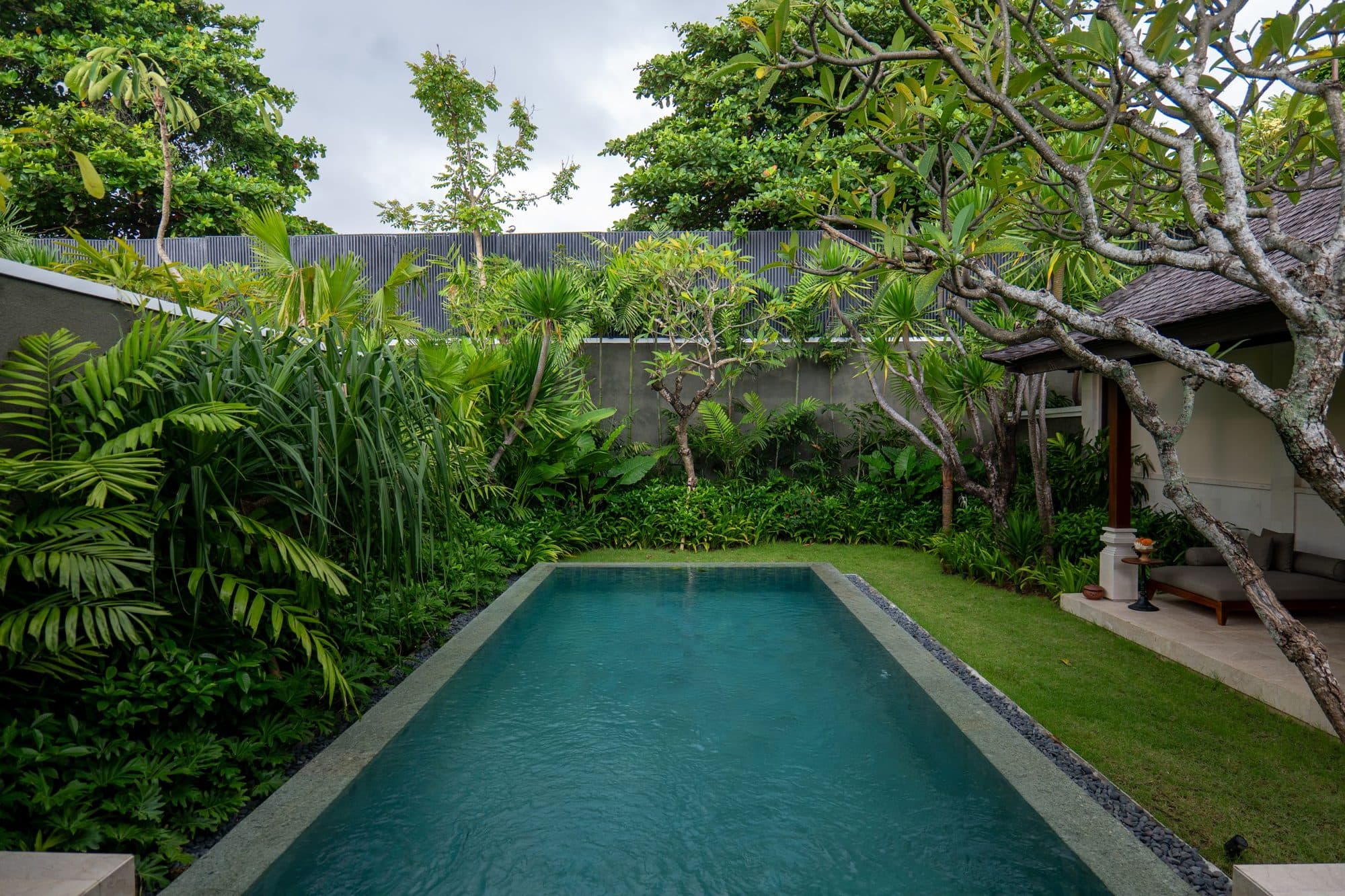
- A villa with a private pool: the pool, ideally with soft morning or late light.
- A guesthouse in a rice field: the view from the terrace.
- A design-led boutique hotel: the single most distinctive room or architectural detail.
- A homestay with a famous host: still the property, not the host. Put the host on your website.
A good test: show the cover to a stranger for two seconds and ask what kind of stay they think it is. If the answer matches your brand, keep it.
What order should photos go in?
This varies by platform, so be accurate about what you control. Agoda's guide notes that photo order cannot be set manually, as the system arranges it, and that captions determine how photos are grouped in the carousel. So on Agoda, captions and a good main photo are your levers. On other platforms, check whether your extranet lets you drag to reorder.
Where you can control it, a reliable running order is:
- Cover image (exterior, pool or the view that sells the stay).
- Second-best exterior or pool angle.
- Your hero room, with a bed view.
- The same room from the opposite corner, plus the view out.
- Bathroom.
- Other room types, one bedroom shot each, then the rest.
- Breakfast or restaurant.
- Common areas and amenities: spa, lounge, garden.
- Surroundings: beach path, market, rice terraces.
Think of it as a walk: arrive, step inside, sleep, wash, eat, wander.
Room-by-room coverage
This is where small properties lose bookings. Guests on Booking.com compare room types, and a type with one photo looks like a risk.
For each room or unit, Booking.com wants at least four photos plus at least one bathroom. Expedia's old guide says four per room type with one of them a bathroom, and suggests using different photos for standard and deluxe rooms so guests see what the upgrade buys.
A four-photo room set that works:
- The bed, from the door or a corner, in good light.
- The opposite corner, showing the seating, desk or storage.
- The view, balcony or terrace.
- A detail that proves the rate: the rattan headboard, the outdoor shower, the coffee setup.
Plus one bathroom photo. Booking.com also lists in-room amenities worth photographing: tea and coffee, fridge, air conditioning, minibar, safe, bathrobes, slippers and toiletries.
What if I have villas or apartments?
Booking.com's page asks condo hotels for at least 24 photos covering every apartment type and the different rooms within each unit, and shows the whole apartment. For Airbnb-style hosts, our guide to Airbnb listing photos covers a platform with its own rules.
What about people, lifestyle and "feel"?
Here the platforms and good marketing pull in different directions, and it is worth being honest about it.
Agoda says to avoid photos of people, animals or nearby landmarks. Expedia's older guide says to leave out people and pets. Booking.com discourages portraits and shots where people are the focus. So an OTA gallery is the place for clean, honest, empty-room photography.
That does not mean lifestyle content is wasted. It means it belongs elsewhere:
- Your website, where a person floating in the pool tells the story an empty pool cannot.
- Social media, where short vertical video of a real stay is what travellers search and save.
- Paid ads, where creator-style content tends to feel more trustworthy than polished imagery. See UGC in Meta ads for hotels.
One shoot can produce both, if you plan it that way. Our Content Stay is built around exactly that split: clean landscape stills for booking channels, vertical video and people-led images for everything else.
Do you need captions and categories?
Yes where the platform supports them. Agoda notes that photos in the carousel are categorised into groups if captions are added properly. Caption plainly: "Deluxe garden room, king bed", "Pool at sunrise", "Breakfast terrace". Clear captions help guests understand which photos belong to which room, and help avoid the "that is not the room I booked" review.
A pre-upload checklist
- All photos landscape, 4000 pixels wide or close to it, under whatever file limit your extranet applies.
- No watermarks, logos from other brands, pricing text, collages or phone numbers in the image.
- No heavy filters, HDR, tilted verticals or fisheye distortion.
- Every room type has at least four photos and a bathroom shot.
- At least one exterior, one entrance or reception, and one photo per key amenity.
- Rooms were prepped: beds made, curtains open, lamps on, no cables or bins.
- A cover image chosen on purpose.
- Captions on every photo.
- Rights confirmed for every image. Booking.com notes that uploading content without the necessary rights may lead to removal or account restrictions. Our guide to usage rights for hotel content shows what to agree in writing.
How often should you refresh OTA photos?
Whenever the property changes, and at least once a year. A new bed, a renovated bathroom, a new pool deck or a different breakfast set-up should reach your listing within the month. Seasonal refreshes help too: a wet-season set with real light is more honest than dry-season photos in a green-season month. For Bali, see our note on wet-season content.
How do you test the gallery before you publish?
Do a five-minute guest test. Open the listing on a phone, as most travellers will, and scroll the first six photos only. Can you tell what kind of stay it is, which room you would be sleeping in and what the bathroom looks like? Now compare it to two competitors in the same search results. If their cover image makes you want to click and yours does not, that tells you where to spend your next shoot budget.
Also ask someone who has never visited to look at the room photos and describe the room back to you. If their description does not match the room, the photos are doing something other than documenting it, and that is usually a lens, a light or a styling problem you can fix in an hour.
One more habit helps: keep a simple log of when each room was last photographed and what changed since. Small properties often refurbish one room at a time, and the gallery drifts out of date without anyone deciding it should. A dated note beside each room type makes the next refresh a ten-minute decision rather than a project.
Common mistakes
- Using one great photo per room and nothing else. Platforms ask for several, and guests want to see the bathroom.
- A bathroom as the cover image. Both Expedia and Agoda steer you away from that.
- Wide-angle trickery. It gets you the booking and costs you the review.
- Portrait photos in a landscape gallery. They get cropped badly or look unprofessional.
- Leaving the cover to chance. Agoda says a missing main photo gets picked at random.
- Letting the gallery age. The property has moved on and the photos have not.
The short version
- Shoot to the strictest platform: 24 or more landscape photos, 4 per room plus a bathroom, 4000 pixels wide.
- Choose the cover on purpose: a distinctive exterior, a pool or a standout view, never a bathroom.
- Prep every room before you shoot, and avoid distortion, filters and collages.
- Keep booking galleries clean and honest, and put people-led, vertical content on your website, social and ads.
- Re-shoot when the property changes, and confirm you hold rights to every image.
If you would rather have the clean OTA set and the lifestyle video done in one visit, that is what a Content Day or Content Stay is for, and you can start with a message.