Photography
Hotel Website Photos That Convert: Hero to Booking Page
Hotel website photos that convert: what to put in the hero, room pages and booking engine, plus image speed, alt text and matching ads to landing pages.
By Tamara9 min read
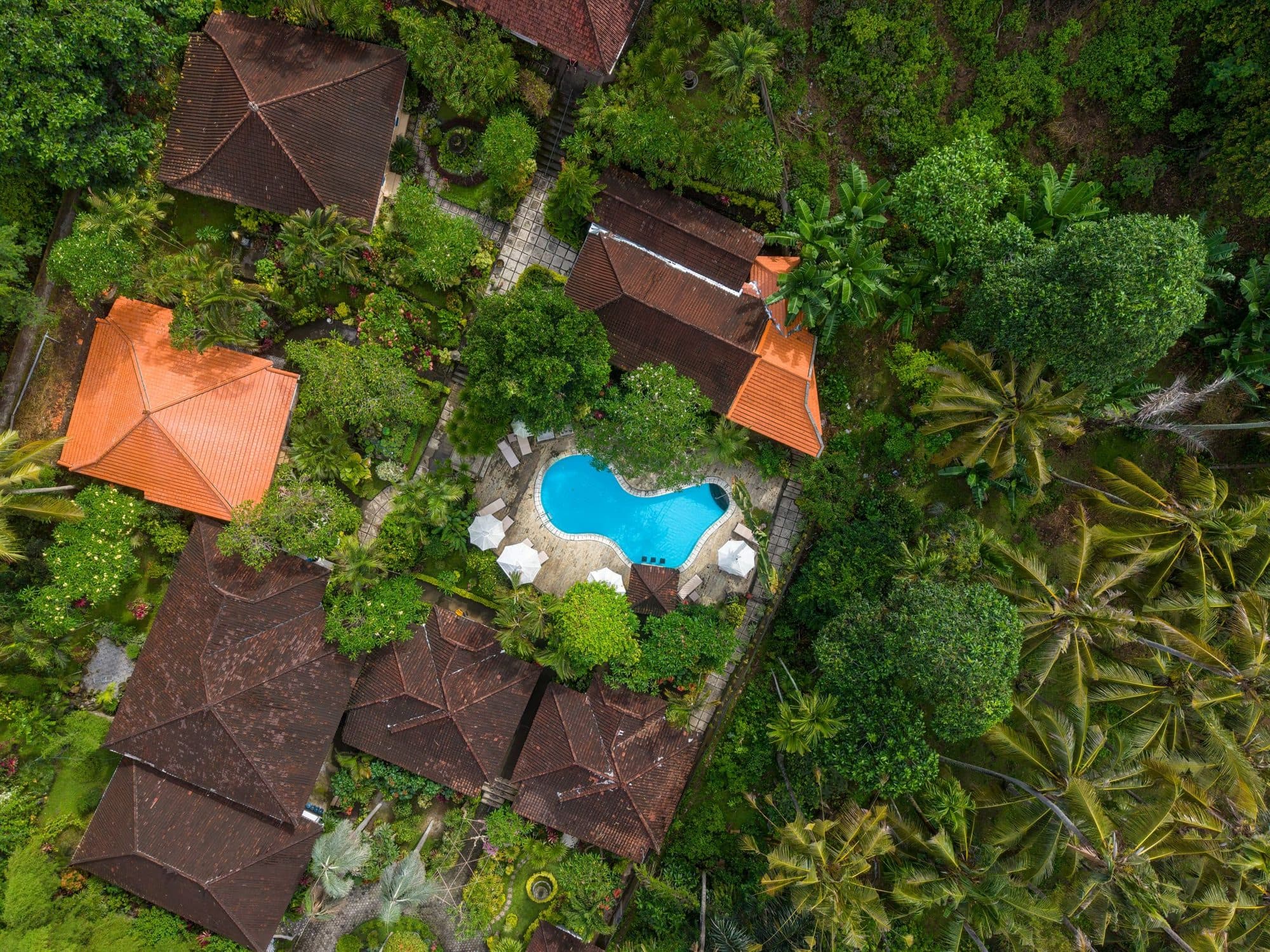
Hotel website photos are the part of your site that does the selling, because guests judge the stay by what they see before they read a word. The pictures that convert show the real property clearly, load quickly on a phone and match whatever advert or listing brought the guest in. This guide covers the hero, room pages, the booking engine, speed, alt text and ad-to-page consistency.
What makes hotel website photos convert?
A visitor arrives with one question: what does it actually feel like to stay here? The best photos answer it in under a few seconds, and then prove it page by page.
Conversion comes from four things working together:
- Truth. The rooms, views and facilities look like what guests will find.
- Feeling. At least some images show a person in the space, so a visitor can imagine themselves there.
- Clarity. A guest can see which room is which, what is included and where things are.
- Speed. The images load fast enough that the guest is still there to look at them.
Only the first two need a photographer. The last two need a bit of discipline.
What should go in your hotel website hero?
The hero is the first full-width image or video on your home page. It has one job: make the right guest want to scroll.
A strong hero for an independent property usually has:
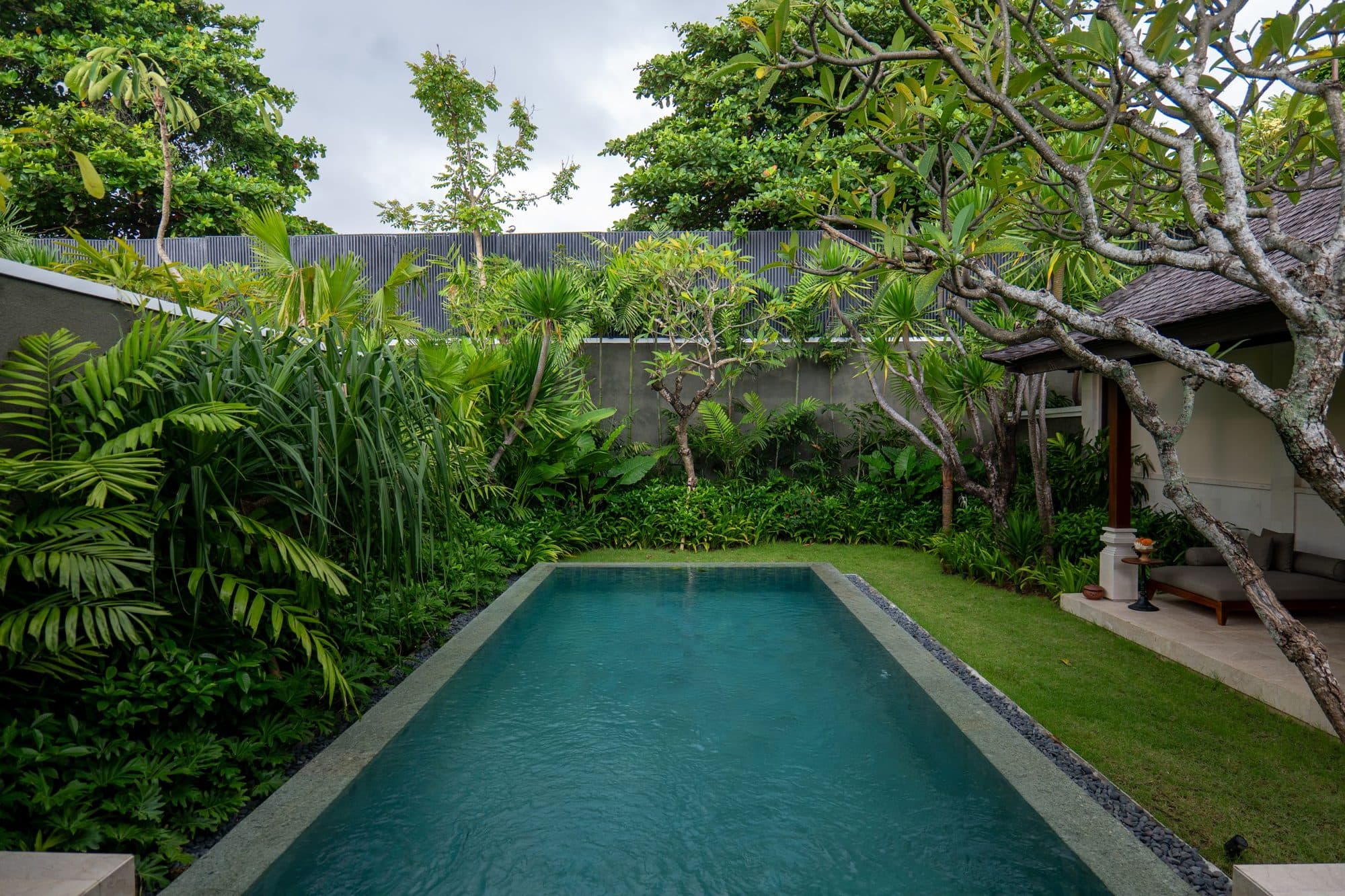
- One clear subject, such as the pool at golden hour, the terrace at breakfast, or the villa from above.
- Room for text. A calm area of sky, water or wall where a headline or booking bar can sit without covering the best part.
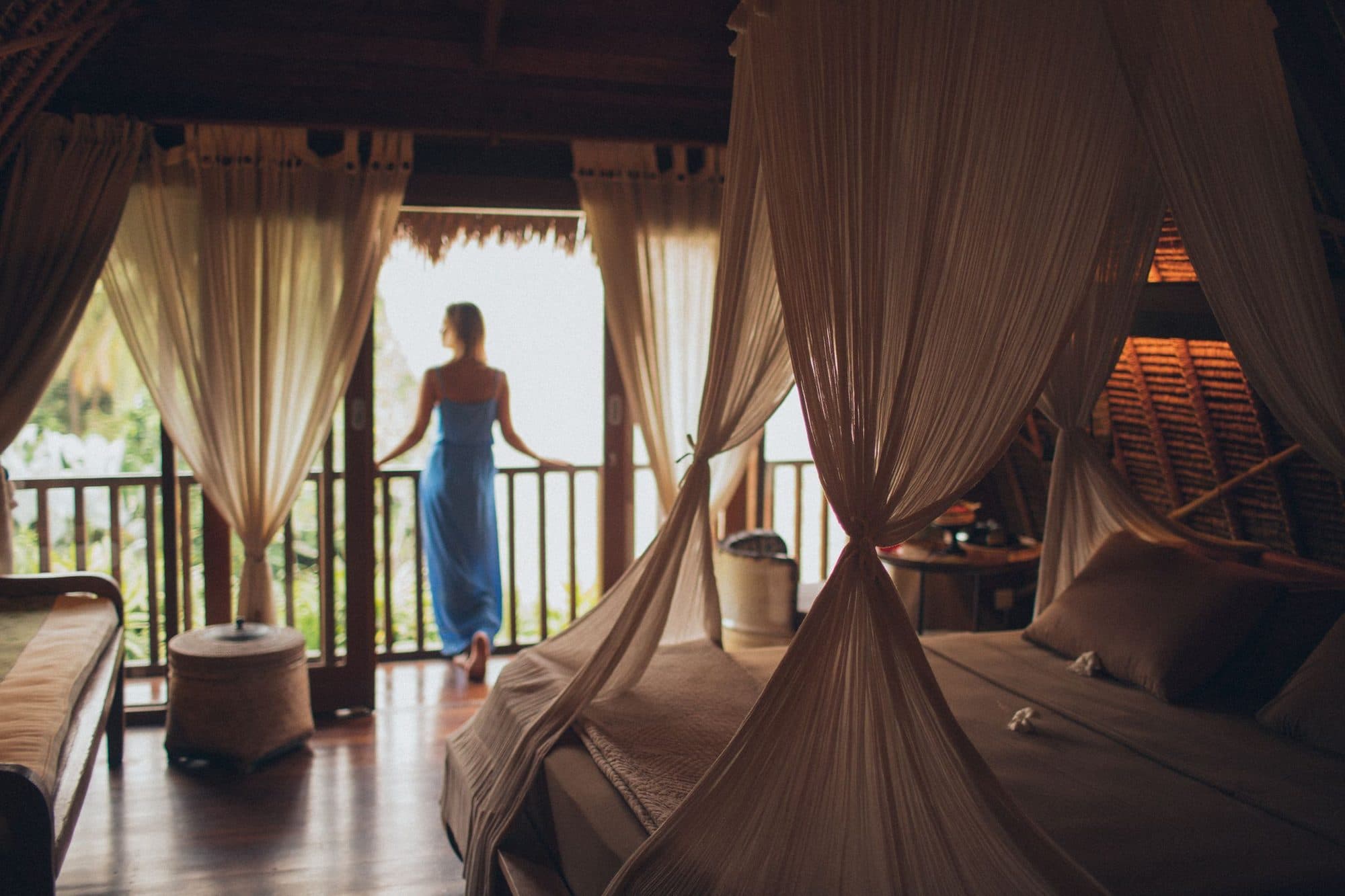
- A person, if it suits the brand. A back turned to the view, a hand reaching for coffee. People-led images feel like "a stay", while empty rooms feel like "a listing".
- Natural light and honest colour. Over-saturated skies and heavy HDR look fake on a large screen.
Avoid a slider of five heroes. Each one dilutes the first, and the first is the only one most people see. Pick the single image that best represents the stay and put the others further down.
Photo or video hero?
A short, silent, looping video can work, but it costs speed and design effort. If you use one, keep the file small, keep a still poster image, and make sure the page still looks good if the video never loads. Often the better plan is one excellent still in the hero and a vertical or horizontal walkthrough lower on the page. Our property walkthrough service is built for that second spot.
How should room pages use photos?
Room pages are where bookings are decided. A guest comparing three room types wants to see differences, not repetition.
For each room, aim for six to ten images:
- The bed, shot from the doorway or a corner, in daylight.
- The opposite corner: seating, desk, storage.
- The bathroom.
- The view or terrace.
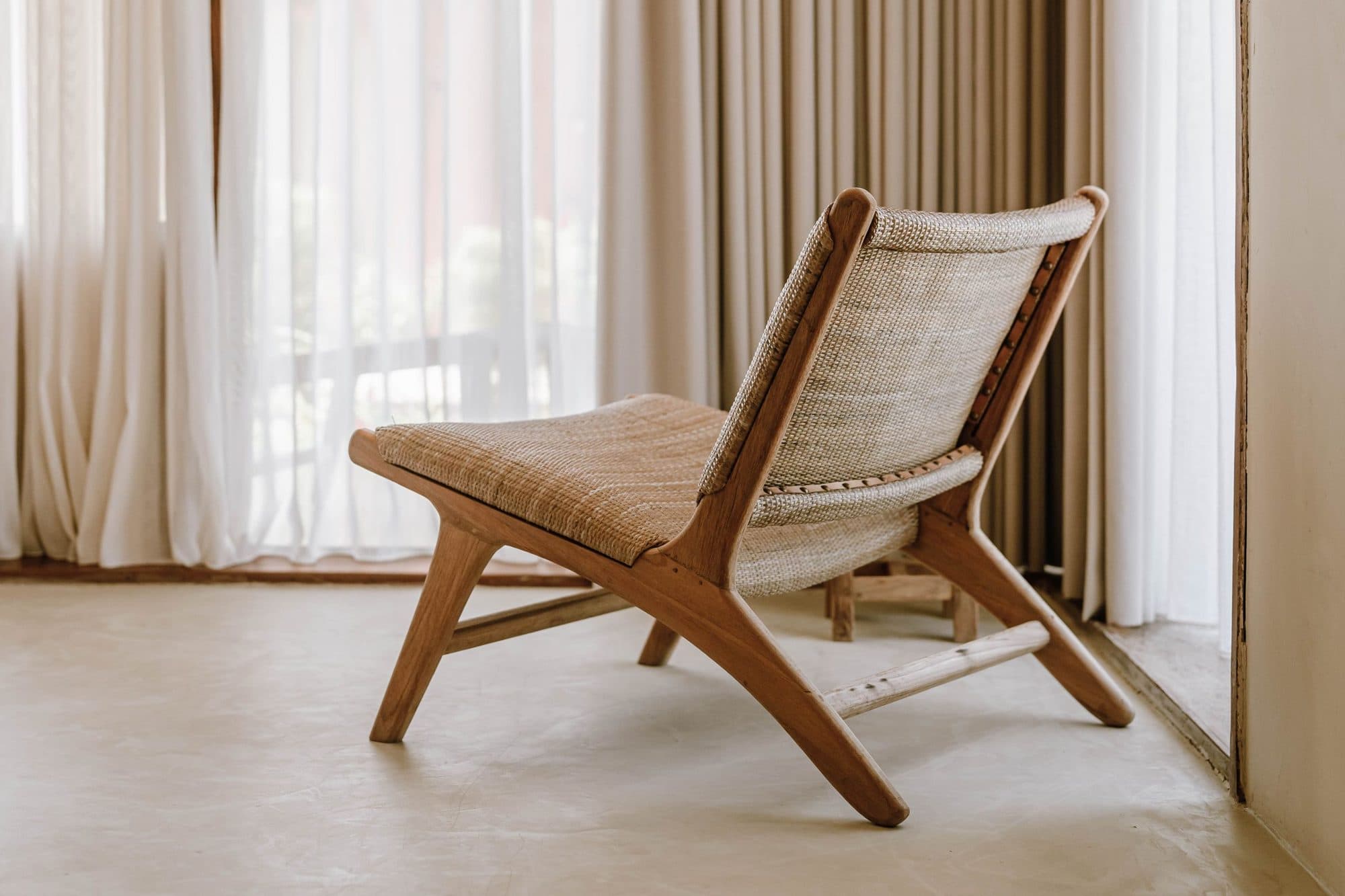
- A detail that explains the price: the outdoor shower, the rattan headboard, the coffee setup.
- One image with a person in it, if the brand suits it.
Keep the strongest three images above the fold, next to the room name and the price or "check availability" button. Put a short line under each gallery listing size, bed type and what makes this room different from the one above it.
If you also list on booking channels, remember that platforms like Booking.com and Agoda have their own rules about people in photos. Our guide to Booking.com property photos covers those, and the short version is that your website is the place for the more human, lifestyle images.
What about the booking engine?
The booking engine is where many sites quietly undo their own work. A beautiful site hands the guest to a third-party page with thumbnails the size of postage stamps and a different set of photos.
Check three things:
- Does it show the same hero room images as your website? If not, upload them.
- Do the images keep their quality? Some engines compress hard, so upload at the recommended size rather than the largest file you have.
- Does the look match? Same colours, same tone of photography. A jump from calm, natural light to a harsh stock gallery makes guests wonder if they are on the right site.
You may not control every pixel of the engine, but you do control which images you give it. Treat that upload as part of your gallery, not an afterthought.
How do image size and speed affect conversion?
Photos are heavy, and a slow page loses guests before they see anything. Google's web.dev explains that Largest Contentful Paint measures when the largest image, text block or video in the viewport finishes rendering, and says sites should aim for an LCP of 2.5 seconds or less. On most hotel sites the largest element is the hero image, so that picture decides your score.
Its guide on optimising LCP says images are frequently the LCP element and gives a clear list of what helps:
- Make the image discoverable in the initial HTML so the browser finds it early, rather than loading it late through a script.
- Use
fetchpriority="high"on the likely LCP image, but do not apply it to many images or it stops working. - Never lazy-load the LCP image.
- Cut file size with modern formats such as WebP or AVIF, responsive sizing, compression and, where you can, an image CDN.
The same page adds an honest warning: shrinking a file does not help if something else is blocking the render, so check the whole chain rather than just the numbers.
Lazy loading, done properly
web.dev's guide to browser-level lazy loading says not to lazy-load images likely to be in view when the page loads, especially LCP images, and to give every image width and height attributes so the page does not jump when pictures arrive. The same principle applies at page level: lazy-load the gallery images below the fold, never the hero.
Related: Google's page on Cumulative Layout Shift says to aim for 0.1 or less and lists images with unknown dimensions as a common cause of shifts. A page that jumps while guests are about to click "Book" costs you direct bookings.
A practical weight budget
web.dev gives targets for timing, not for kilobytes, so treat these as our rules of thumb rather than official figures:
- Hero image: as light as you can get it without visible damage. Check it on a real phone on mobile data.
- Gallery images: sized to their display width, in WebP or a good JPEG, never the 6 MB original.
- No image uploaded at camera size "just in case".
Ask your developer or website platform to confirm it creates responsive versions automatically.
How do you write alt text for hotel photos?
Alt text describes an image to someone who cannot see it, and also gives search engines context. Google's image SEO guidance tells you to write descriptive, appropriate alt text and warns against filling alt attributes with keywords, which harms the experience and can look like spam.
Good hotel alt text:
- "Double bed with white linen and rattan headboard, doors open to a garden terrace"
- "Guest eating breakfast beside the pool at sunrise"
- "Outdoor shower surrounded by tropical plants in a villa bathroom"
Weak or spammy:
- "hotel ubud best villa cheap hotel bali" (keyword stuffing)
- "IMG_4021" (nothing)
- "Photo" (still nothing)
Write it as if you were describing the photo on the phone to a friend. Mention the place or room name when it is natural, not every time.
Filenames and formats
The same Google page recommends descriptive filenames such as a kitten photo named for what it shows instead of a camera default like IMG00023. For us that means garden-suite-bed-terrace.jpg rather than DSC_0481.jpg. Google Search supports BMP, GIF, JPEG, PNG, WebP, SVG and AVIF, so you have plenty of choice, and the file extension should match the real type.
Make sure Google can find the images
Google says it crawls images in <img> src attributes and does not index CSS background images. If your gallery is built from background images, Google may never see it. Responsive images are fine through <picture> or srcset, as long as there is a fallback src. You can also submit an image sitemap, and use og:image to suggest which picture represents a page.
Should your ads and website show the same photos?
Yes, or at least the same promise. A guest who clicks an advert showing a sunrise floating breakfast and lands on a page of lobby shots feels a small drop of disappointment, and many leave. This is the cheapest conversion fix available.
A simple routine:
- Use the ad's hero image or a clearly related one at the top of the landing page.
- If the ad promotes a room or experience, send the click to that room or experience page, not the home page.
- Keep the tone consistent: if the advert is a handheld, creator-style clip, the page can include that clip, not only polished stills.
- Repeat the headline benefit near the booking button.
Creator-style content works well here because it behaves like the advert. For ideas on that, see UGC in Meta ads for hotels and our ad creative service.
A hotel website photo audit
Open your site on your phone and go through this list.
- Does the hero show one clear idea within the first second?
- Does every room page show bed, bathroom and view?
- Are the best images above the booking button?
- Are all photos recent and true to the property today?
- Does the hero load quickly on mobile data?
- Do all images have width and height set, and are only below-the-fold images lazy-loaded?
- Does each photo have a meaningful filename and alt text?
- Does the booking engine show the same quality of images as the site?
- Do your current ads send guests to a page that visibly matches them?
- Do you have written permission and a licence for every image, especially any made by a creator? See usage rights for hotel content.
Common mistakes
- Five hero slides. Pick one.
- Stock photos of a different destination. Guests notice, and it breaks the promise of the whole site.
- Original camera files uploaded as they are. They sink your speed.
- Text baked into images. It cannot be read by screen readers and is lost on small screens.
- Photos with no people anywhere. The site becomes a catalogue rather than a stay.
- Letting the gallery age. A refurbished room still shown as it was five years ago costs trust.
The short version
- Lead with one honest, feeling-rich hero, and give each room page six to ten images with the best three above the booking button.
- Treat speed as part of the photography: aim for the 2.5 second LCP target, never lazy-load the hero and set image dimensions.
- Write plain descriptive alt text and filenames, and use real image tags so Google can find the pictures.
- Make sure the booking engine and your ads show the same property the website does.
- Keep a clean landscape set for booking sites and people-led images for your own site.
If your property is better than your photos make it look, a Content Stay or Content Day gives you the hero, room and walkthrough images in one visit, and a message is all it takes to start.