Strategy
Google Business Profile for Hotels: A Practical Guide
How to set up and run a Google Business Profile for hotels: photo and video specs, posts, reviews and hotel details, so more guests find and book you direct.
By Tamara9 min read
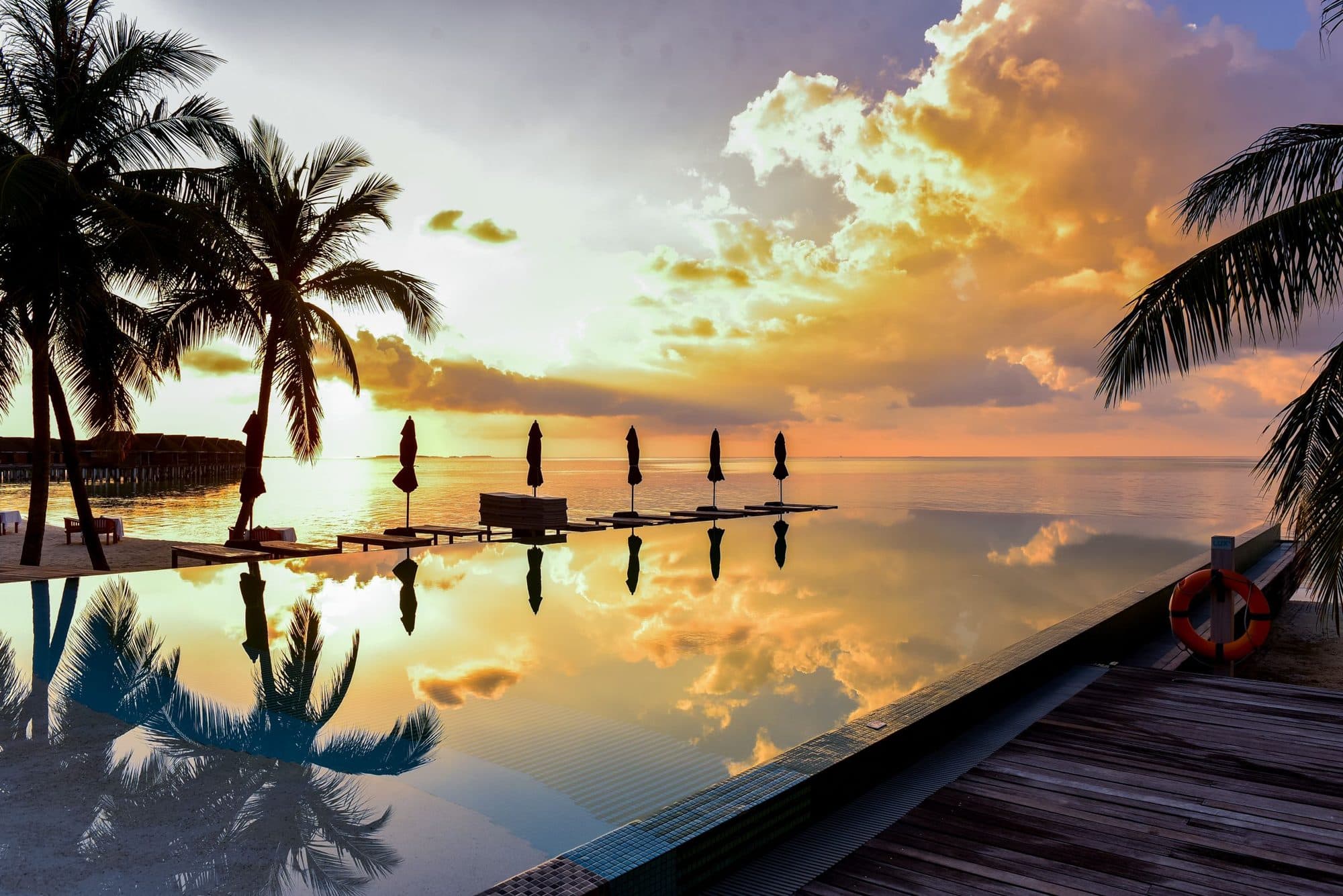
A Google Business Profile for hotels is the free listing that appears when someone searches your property name, or searches for stays near a beach, town or landmark. It is often the first thing a future guest sees, before your website, and it is made almost entirely of photos, videos, reviews and a handful of facts you control. This guide covers how to set it up and what to keep doing.
What is a Google Business Profile for a hotel?
It is the panel on Google Search and Maps that shows your name, location, photos, reviews, amenities and a way to contact or book you. For hotels, Google adds hotel-specific details on top of the standard listing. According to Google's hotel guide, hotel owners can sign up and verify, engage with customers, and then manage hotel details such as amenities, attributes, highlights and booking links.
That makes it a shop window, a review wall and a map pin in one place. For a boutique hotel, villa or homestay without an advertising budget, it is one of the few places where you compete on equal footing with larger brands. Your profile does not need a big following. It needs to be complete, current and visually honest.
How does Google decide which hotels to show?
Google says local results are based mainly on relevance, distance and prominence. Relevance is how well your profile matches what someone searched for. Distance is how far you are from the searcher or the place they typed. Prominence is how well known you are, which draws on things like links, review count and ratings.
Two things follow from that.
- You cannot move your pin, so work on the other two. Fill in every field so Google understands what you are.
- Google is clear that there is no way to pay for a better local ranking. Anyone selling you a guaranteed spot on Maps is selling something that does not exist.
The same page recommends verifying the business, keeping details current, replying to reviews and adding photos and videos. That is the whole recipe. The rest of this guide is about doing it properly.
Setting up: the first-hour checklist
- Claim and verify the profile. Media does not show publicly until the profile is verified.
- Choose the right primary category (a hotel, a guest house, a villa rental or a resort, whichever really describes you) and add secondary categories only where true.
- Check your name, address, phone number and website match what appears on your own site and your booking pages.
- Fill in hotel attributes: amenities, services and highlights.
- Add your booking link and website.
- Upload a full set of photos and at least one short video.
- Write a clear, honest description that sounds like you rather than a brochure.
Consistency matters more than people think. If your name is spelled three ways across the web, you make it harder for Google to work out that these are all the same property.
Which hotel details can you edit?
Google's page on managing hotel details says owners of verified hotel profiles can edit services and amenities in the "Hotel attributes" section. Hotel highlights, the small icons for things like free Wi-Fi, pet friendly or free parking, come from this information, and you can also share sustainability practices.
Some things you cannot edit directly. Operating hours are not editable for hotels, class ratings are assigned by Google, and booking links and prices come from Google's hotel booking integrations, which are managed separately. If an amenity shows incorrectly, the page tells owners to contact support.
So the practical job is: tick every amenity you genuinely offer, and do not tick the ones you do not. A missing "pool" tick loses you bookings. A false one earns you a one-star review.
What photos and videos should a hotel upload?
Start with the technical rules, because getting them wrong means your upload is rejected. Google's photo and video guidelines say:
| Photos | Videos | |
|---|---|---|
| Format | JPG or PNG | Up to 30 seconds |
| File size | 10 KB to 5 MB | Up to 75 MB |
| Resolution | 720 x 720 recommended, 250 x 250 minimum | 720p or higher |
Google also asks that photos be in focus, well lit and free of heavy alteration or excessive filters. New media can take 24 to 48 hours to appear, and it shows a status of pending, not approved or live.
Which photos earn the click?
The guidelines tell you the rules. They do not tell you what a guest wants to see. From the work we do with independent properties, here is what tends to matter, as a rule of thumb rather than a measured result:
- The first impression. Your cover photo should answer "what is it like here?" in one frame. A person in the pool, a laid breakfast on a terrace, morning light on a bed.
- Every room type, honestly. Show what the guest will actually get, including the bathroom. Guests who feel misled leave reviews about it.
- The outside. Entrance, garden, pool, and the view from the room or terrace.
- Food and drink. Breakfast is the most booked-for meal in the world. Show it.
- People. A hand on a coffee cup, a back turned towards the sea. Empty rooms are what every competitor already has.
- The surroundings. The beach path, the rice field, the market. This is part of what you sell.
What about video?
A 30-second limit suits vertical, phone-shot clips well. A slow walk from the entrance to the pool, a quick room reveal, or a morning on the terrace works better than a polished promo. Keep it steady, keep the sound off in mind, and film in real light. If you already have Reels or TikToks from a creator shoot, trim a version to fit. Our Reels shot list for hotels shows what to capture on one visit.
How often should you add content?
A profile that looks alive earns trust. That does not mean daily activity. It means the newest photo is not three years old and the amenities match reality.
A sensible rhythm for a small property:
- Monthly: add a handful of new photos (a new season, a refurbished room, a seasonal menu).
- Seasonally: refresh the cover image and add a new short video.
- After any change: update amenities, links and your description the same week.
This is where a content retainer pays for itself, because someone else is thinking about the next batch while you run the property.
Are Google Business Profile posts worth it for hotels?
Posts let businesses share updates, offers and events on Search and Maps. Google's posts help page lists three types (updates, offers and events), says posts older than six months are archived unless a date range is set, and notes you can schedule them.
Here is the honest caveat. A separate Google help page describes posts as available in specific languages and business types, and when we fetched it, it named single-location food and drink businesses in a handful of countries. Availability for hotels may differ by location and may change, so at the time of writing (October 2026), check whether the Posts option appears in your own dashboard before you build a plan around it.
If it does appear, use it for things with a date: a low-season offer, a new breakfast menu, a festival weekend. Add one good photo, a clear line and a button. If it does not, the same effort is better spent on photos and replies.
How do you handle reviews?
Reviews feed prominence and, more importantly, decide whether a stranger trusts you. Google's review guidance is practical:
- Never offer incentives. Free or discounted goods or services in exchange for reviews, or for changing or removing a review, are treated as fake and misleading content and are strictly prohibited.
- Do ask. You can create a review link or QR code and ask guests directly, and remind them they need a Google Account.
- Keep replies short, professional and genuine rather than promotional.
- For a negative review, acknowledge the specific details, apologise where it is warranted, explain anything outside your control, reply promptly and offer to continue privately if it is complicated.
A QR code on the check-out card, or in the thank-you message you send the morning after departure, is the easiest habit to build. Ask when the guest is still glowing from the trip, not three weeks later.
What should a reply to a review sound like?
Like a person who runs the place. Compare these:
- Weak: "Thank you for your feedback. We value all guests."
- Better: "Thanks, Maya. Glad the sunrise breakfast on the terrace worked out. We will tell Kadek in the kitchen. Come back in the dry season."
For a complaint about, say, noise from the road: "You are right that the front rooms catch traffic early. We have moved quiet-sleepers to the garden rooms and added a note at booking. Sorry we did not get that right for you." Specific, calm, no excuses.
Questions and answers
Guests want quick answers: is breakfast included, can you collect us from the airport, is the pool heated. Google has changed how its question features work over time, so check what your dashboard currently offers. Whatever the mechanism, put your most common answers where they cannot be missed: in your description, your amenities, and on your website FAQ. If you see the same question three times a month, it belongs in all three.
Matching your profile to your website and ads
Your profile should look like the same property as your site, your booking pages and your ads. That is not branding for its own sake. Guests move between them, and a mismatch (a polished brochure photo on Google, a different room on the booking page) reads as risk. A small library of consistent, recent photos and video you can use everywhere is the simplest fix, and it is what we mean when we talk about a content library rather than one-off shoots. See also our guide to direct bookings beyond Instagram.
A monthly profile checklist
- Open the profile as a guest would, on a phone. Does the first photo make you want to stay?
- Check amenities, website link and booking link still work and still match reality.
- Add three to five new photos and, each season, one new video under 30 seconds.
- Reply to every new review, good or bad, within a few days.
- Search your own name and "hotels near [your landmark]" and look at what a stranger sees.
- Make sure every photo you upload is one you have the rights to use. Our guide to usage rights for hotel content explains what to put in writing.
Common mistakes
- Stock or outdated photos. Pre-refurbishment images quietly cost bookings and cause disappointed reviews.
- Heavy filters. Google asks for no significant alterations, and guests can tell.
- Ignoring the profile after setup. Reviews unanswered for months say "nobody is home".
- Inconsistent contact details. A wrong phone number on any directory can create confusion that looks like unreliability.
- Keyword stuffing the name. Use the real name. Describe the place in the description instead.
The short version
- Your Google Business Profile is a free, photo-led first impression. Verify it, complete it and keep it accurate.
- You cannot pay for ranking, so concentrate on complete details, strong media and genuine reviews.
- Follow the specs: JPG or PNG up to 5 MB for photos, videos up to 30 seconds and 75 MB.
- Ask for reviews with a link or QR code, never an incentive, and reply to all of them in a human voice.
- Refresh photos each season so the profile looks lived in.
If you would like a fresh set of photos and short videos made for your profile, website and ads, a Content Stay or Content Day is the quickest way to get it, and you can start with a message through our contact page.